Your event business,
in one place.
Bookings, quotations, deposits, inventory, crew, paperwork and profit for event stylists, party shops, caterers, photo booths and rental businesses.
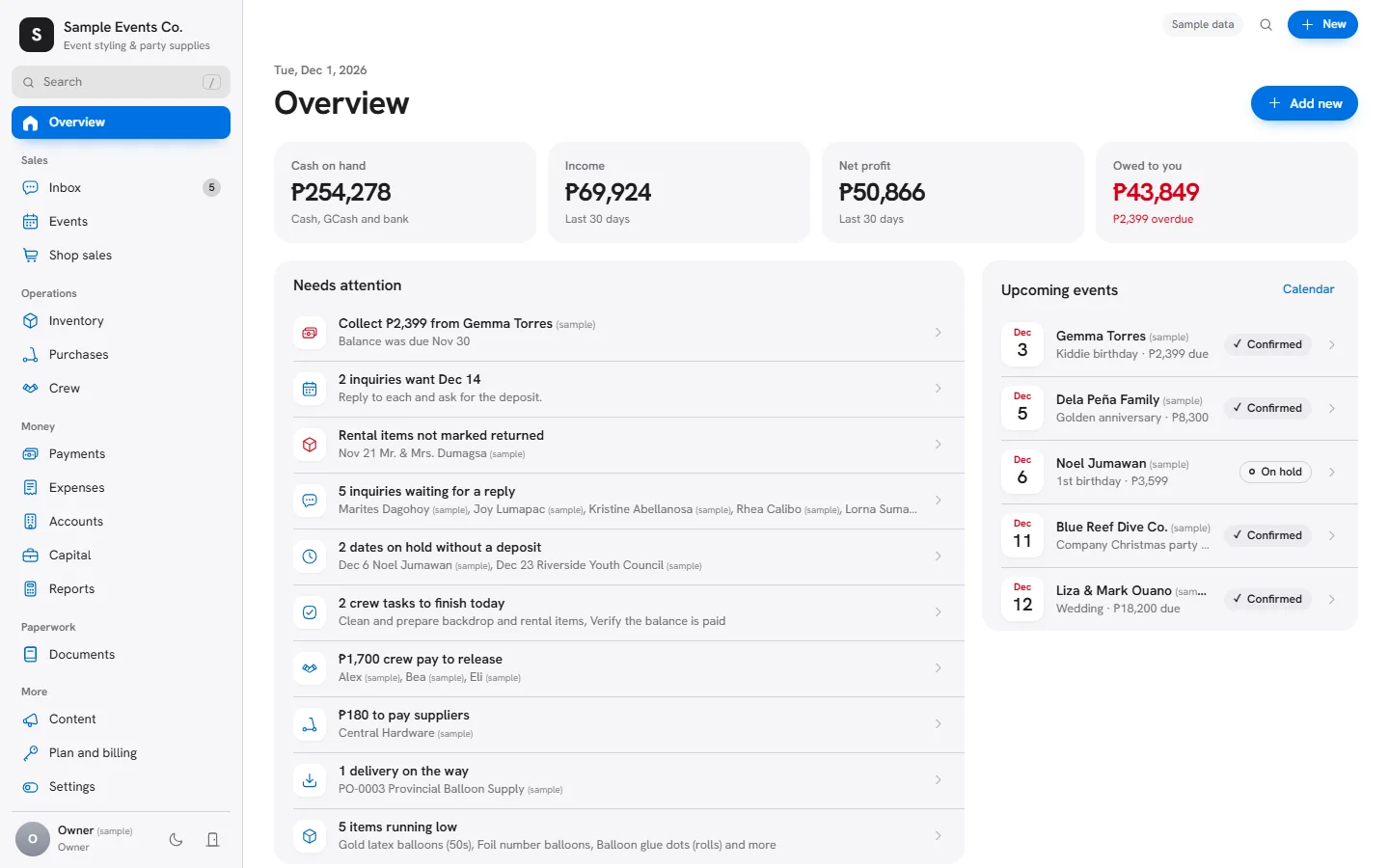
Shown with example data.
The problems it takes on
Inquiries pile up and some are forgotten
Every inquiry has a next step
Record each request, see which ones still need a reply, and start from a draft message you can edit and copy.
Two clients end up on the same date
Clashes show before you promise
Set how many bookings a package takes in a day, and see how many rental pieces are still free on a date.
Balances are collected late
You see who owes what, and when
Your deposit rule reserves the date. Balances coming due and overdue ones are listed, with a reminder ready to copy.
Quotes and receipts take an evening
Paperwork fills itself in
Quotations, agreements, billing statements, job orders, receipts and more come from your records, with your logo.
Busy months, but unclear profit
Money is counted as you work
Profit and loss, cash flow, what the business is worth, and what each event really earned.
Stock and equipment go missing
Counts you can check
Order from suppliers, receive into stock, mark rentals returned, and record what was damaged or lost.
What is inside
One system from the first message to the final report.
Sales
- Inquiry inbox and calendar
- Packages, add-ons and custom lines
- Deposits, balances and refunds
- Shop counter sales
- Reply and reminder drafts in Bisaya and English
Operations
- Checklist for every event
- Crew assignments and pay
- Stock levels and reorder list
- Rental booking and returns
- Purchase orders
Money
- Cash, GCash and bank balances
- Expenses and capital
- Opening balances
- Profit and loss, cash flow
- Profit per event
Paperwork
- 18 documents and reports
- PDF, PNG and Excel
- Printing
- All records in one workbook
- Backup and restore
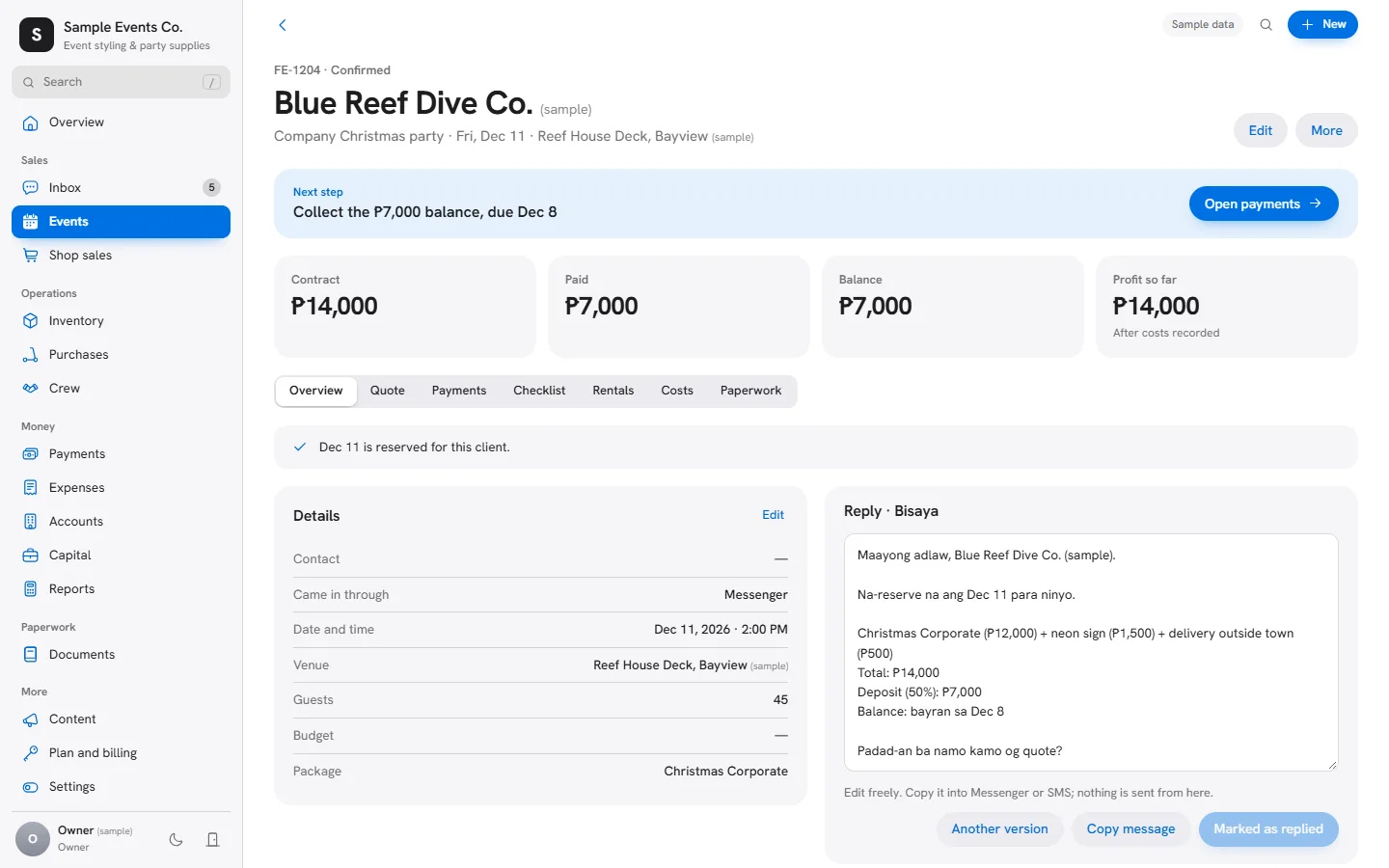
Each event shows what to do next. Example data.
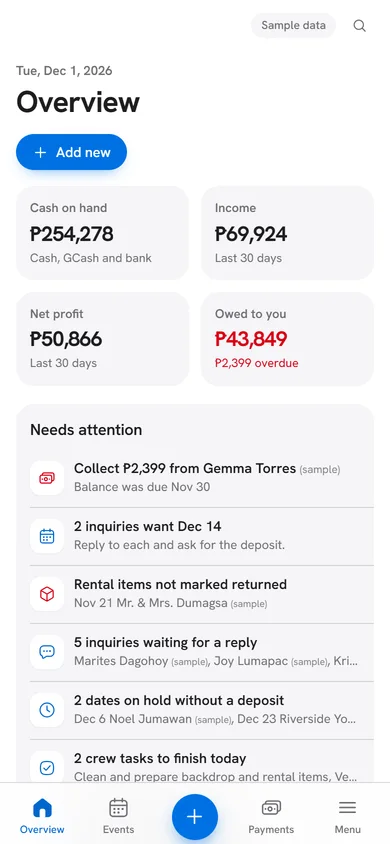
The layout adjusts to small screens.
Made for event work
Pick your kind of business at setup and start from a matching price list and checklist, then make it yours.
Styling and party supplies
Packages, balloons, backdrops, shop stock and rental pieces.
Catering
Buffet packages, servers, supplies and serving equipment.
Photo and video booth
Hourly packages, extra hours, paper, units and lights.
Equipment rental
Chairs, tables, tents and sound, with availability by date.
Pricing
Start with a 14-day free trial. Then pay monthly, yearly or once.
One-time
₱14,990paid onceVersion 1 with no end date. Later major versions are paid separately.
Choose one-timeMaintenance · ₱2,990 a year
Optional. Support and upkeep of the system, billed separately from every plan.
System upgrade · ₱3,990
Optional. A new major version with added features, when one is released.
Setup and training · ₱2,500
Optional, paid once. We help enter your price list and show you how to use it. Add it when you choose a plan.
When a plan ends, the system becomes view only. You can still read, export and back up your records.
How to pay and activate
Pay with your e-wallet or banking app by scanning a QR code.
Choose a plan
Type your business name exactly as it appears in the system.
Scan and pay
Scan the QR code, send the exact amount and keep the receipt.
Send the reference number
Type it on your order page. We check every payment by hand.
Get your key
Once approved, your activation key is emailed to you and shown on that page. Paste it under Plan and billing.
Questions
Where are my records kept?
In the browser on the device you use. They do not sync to other phones or computers. Download a backup often, because clearing the browser's data erases them.
Can my staff use it at the same time?
Not with shared records yet. Each device keeps its own, and there are no separate staff accounts.
Does it send messages to my clients?
No. It writes drafts that you copy into Messenger or SMS.
Are its receipts official BIR receipts?
No. Receipts, slips and billing statements are not BIR official receipts or sales invoices. Ask your accountant what you must issue.
Can I try it without paying?
Yes. Look around with example data for as long as you like. The 14-day trial starts when you set up your own business.
Do I need to install anything?
No. It opens in a web browser.
What happens if I stop paying?
A paid plan has 7 extra days. After that the system is view only until you renew.
Privacy
Your business records stay on your device; this website does not receive them. When you order, we keep your business name, your name, your email, your mobile number if you give it, the plan, and your payment reference and sender name, only to check the payment, send your key and support you. Emails are delivered by an outside email service. Ask us through project1team.com to see or delete them.